The studio that makes your satisfying videos in one click. And the full method to monetize them.
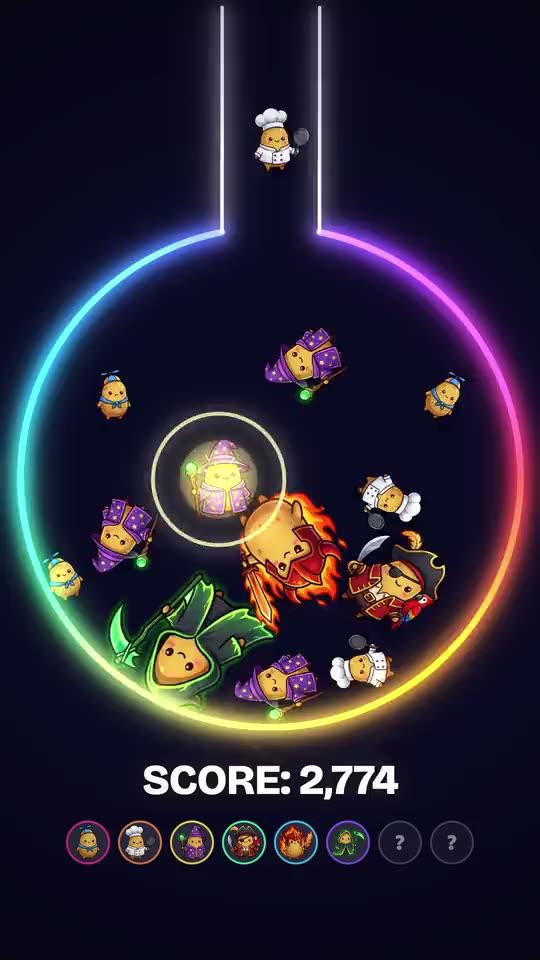
Nobody edited this video.
And yet, nearly
012345678900123456789001234567890012345678900123456789001234567890views in 4 days
And it's not the only one.
See @nutritioncerebraleThey all come out of a studio that runs on your computer.
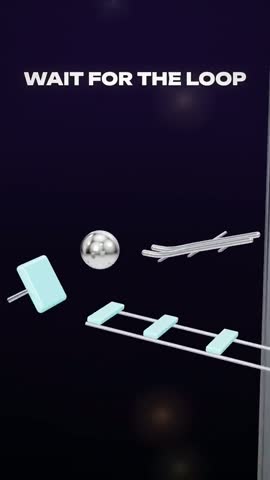
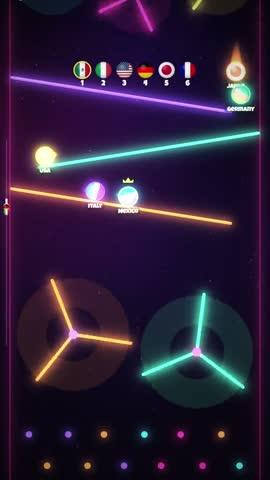
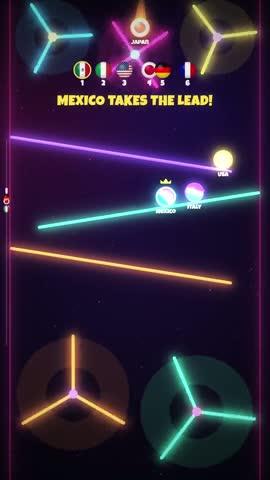
You pick a template. You click Export.
The video is ready: 1080p, 60 frames per second, with sound.
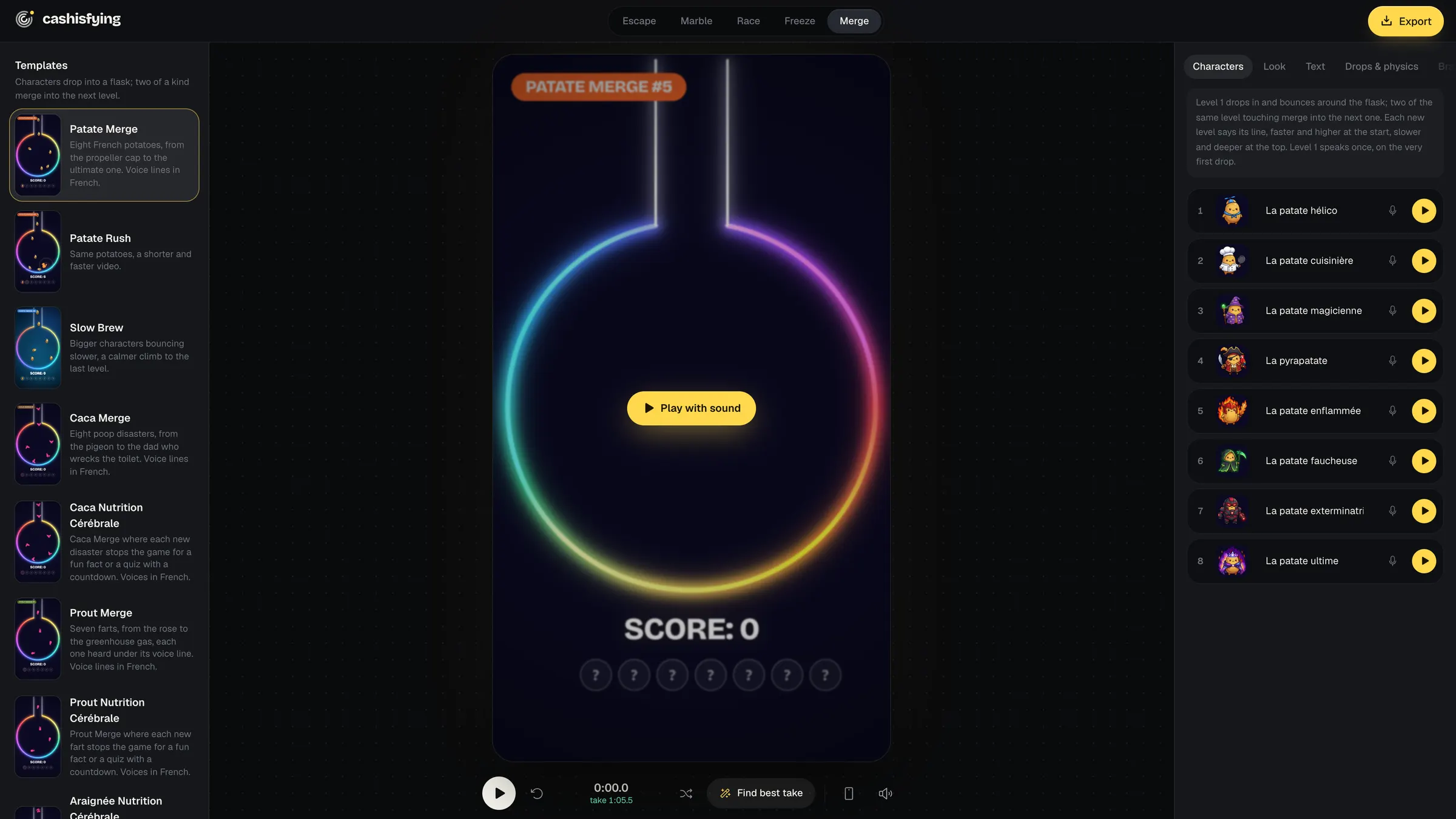
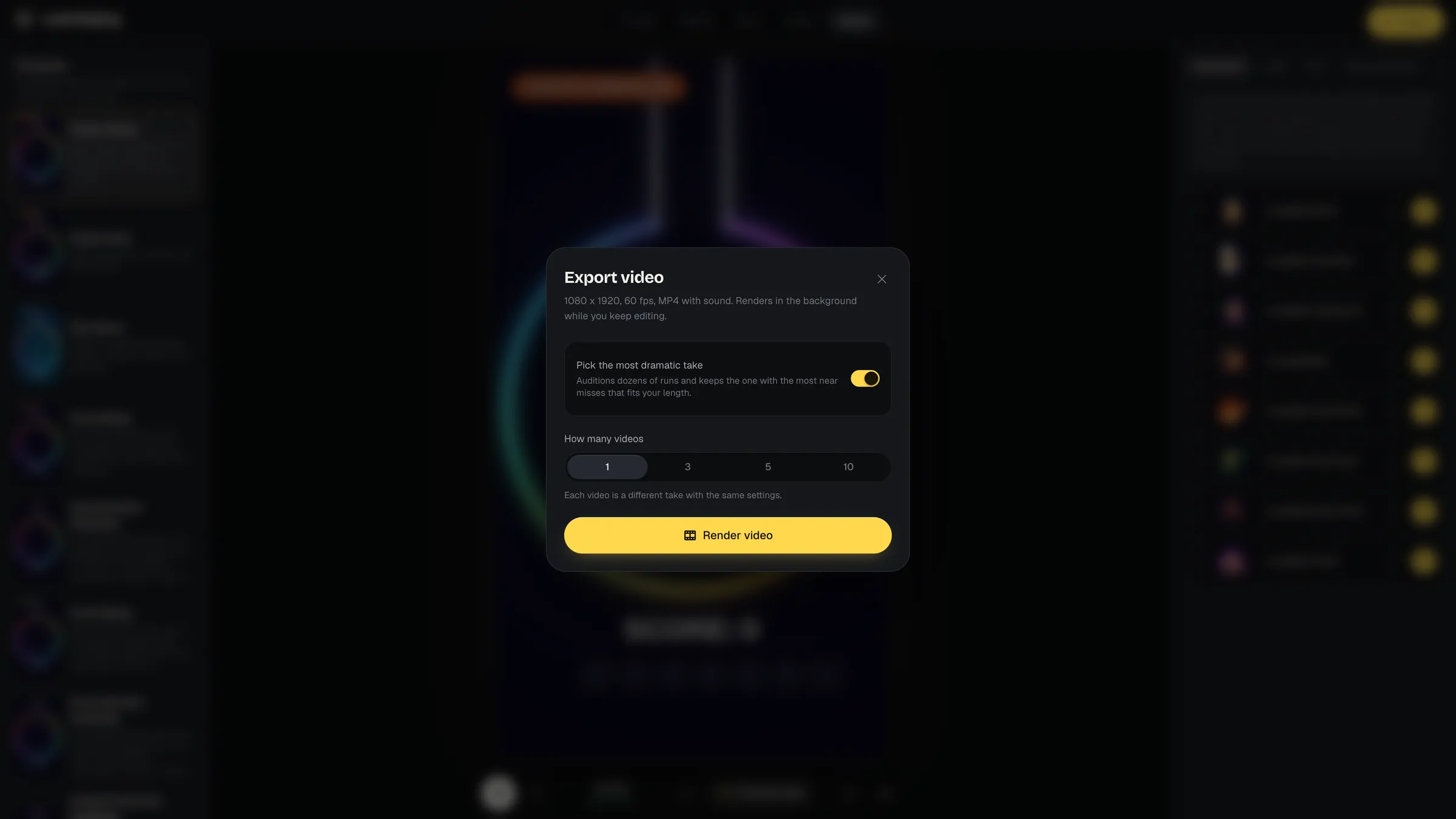
Every export is a different take, with no watermark. One session, and your week of posts is ready.
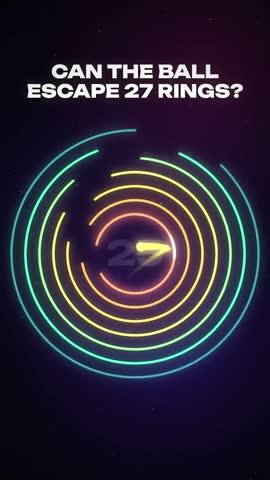
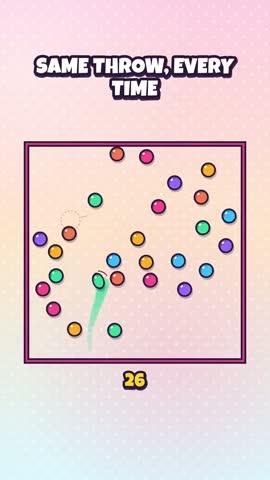


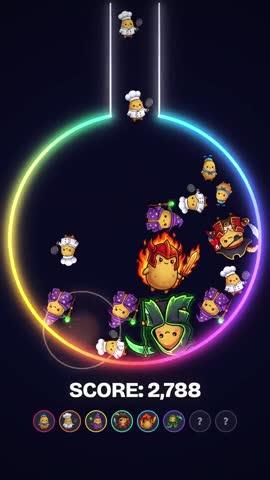
You describe what you want to an AI agent, on your own account. It cuts out your characters and adds them to the studio.









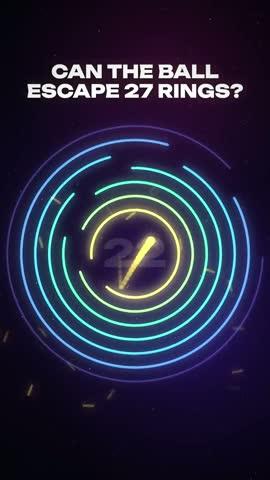
Show the video to your agent. It reads it frame by frame, spots what hooks, and builds a template with your own elements.
 0.00 s
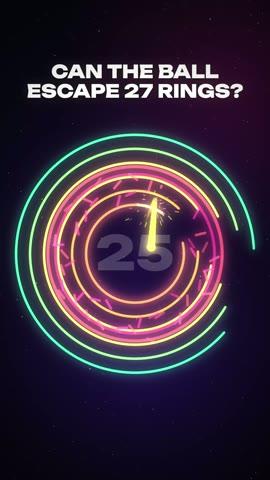 0.50 s
 0.75 s
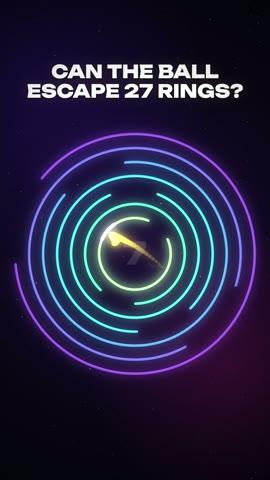
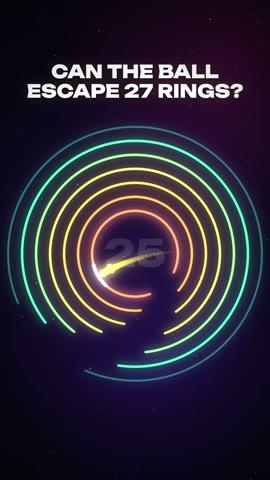 1.50 s
 20 s
 40 s
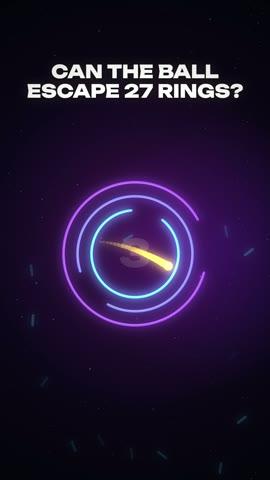 55 s
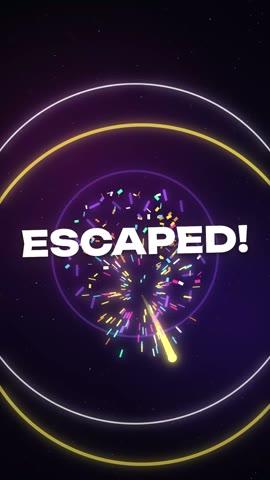 61 s
- Question on screen from 0 s
- First ring broken at 0.5 s
- Countdown 27 → 1
- Finale at 60.6 s
Platform programs, affiliation, freelancing: the method walks you through every path step by step, with its real conditions.
Platform programs
TikTok and YouTube pay some creators based on their views, under conditions.
Cashisfying affiliation
Recommend the studio with your link and earn a commission on every sale.
Partner tools
The tools you use have affiliate programs of their own.
Freelancing
Sell short ads to brands and local businesses.
Run your own numbers
Enter your figures. The simulator predicts nothing: it multiplies what you type by rates you can change.
- TikTok
- $400
- YouTube Shorts
- $100
- Cashisfying affiliation
- $71
- Freelance
- $300
A simulation, not a promise: this is neither a typical result nor a guarantee. Default rates come from public third-party estimates, vary widely, and are not published by TikTok or YouTube. Each platform sets its own eligibility rules and can refuse to monetize repetitive or mass-produced content.
- 1
The full code of the engine and studio, on your machine, with no watermark and batch exports
- 2
Setup from a blank PC, on Windows or Mac, step by step
- 3
How to build your own tooling with an AI agent
- 4
How to make a video go viral: hook, retention, series
- 5
How to organize your production and run many accounts in minimal time
- 6
How to monetize an audience: platform programs, affiliation, freelancing
- 7
How to grow this side income into an independent business
The full studio and the method. One payment.
$0123456789001234567890
one time, no subscription
Want to see it before you buy? Create a video right now in the free demo, no card needed.
Create a video for freeNo income guaranteed.
You're probably wondering
I know nothing about code. Is this for me?
Yes. Setup is guided step by step from a blank computer, on Windows or Mac. After that everything happens in your browser: pick a template, click, export.
What exactly do I get?
The full code of the studio: every format, no watermark, batch exports. And the method: building your own characters with an AI agent, making a video go viral, organizing your production, running several accounts and monetizing.
How fast do I get my first video?
Allow about ten minutes to install the studio, then a few minutes per video. And you can create one right now in the free demo.
How is it different from the free demo?
The demo runs on this site, with a watermark and one video at a time. The full studio runs on your machine, with no watermark, up to ten videos at once, with your own characters and the whole method.
Are there other costs after the $47?
No, the studio runs with no subscription. AI agents, image generators and voices are optional: if you use them, it's with your own accounts, at their prices.
How much can I make with it?
It depends on your views, your niche and your country. The method shows you the four paths and their conditions, and the simulator does the math with your own numbers. Nobody can guarantee you a result, and neither can we.
Can I use real people or brands?
You are responsible for what you publish. Make sure you have the rights to the images, voices and music you import.